


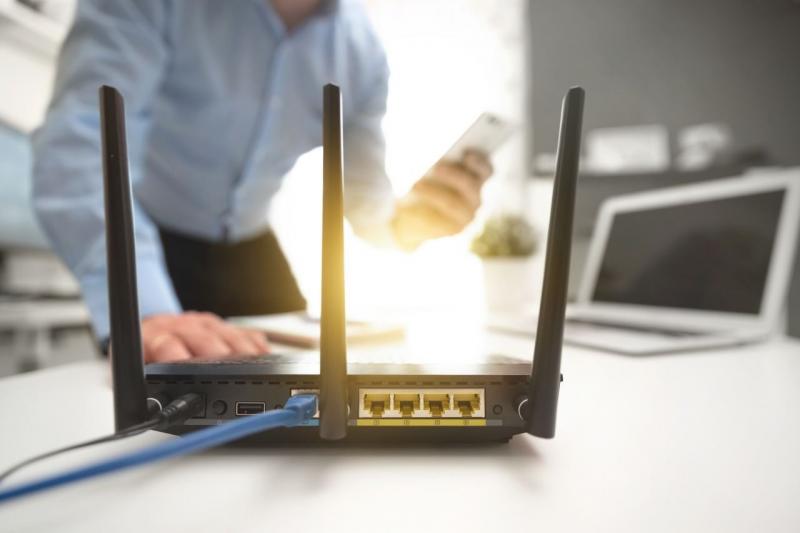
Many users believe that weak internet connection at home is always related to the speed of the subscription. However, the issue might sometimes be due to the router’s placement and signal distribution.
Walls, furniture, electronic devices, and even placing the router on the floor can affect the Wi-Fi network’s reach across different rooms.
Choosing an optimal spot for your router is one of the simplest steps to enhance network coverage without changing your plan or buying new equipment. A location that is open, elevated, and close to the area needing coverage increases the chances of getting a stable signal.
Ideal Locations to Place Your Router at Home:
1. Place the Router High Up
It’s preferable to place the router on a table or high shelf instead of directly on the floor.
Elevation helps with better signal distribution within the home, especially when the router is in an open spot away from large obstructions.
Avoid placing it inside a cabinet or closed box as it might limit signal spread and affect ventilation.
2. Choose a Central Location
Placing the router near the center of the house is optimal if you want to cover as many rooms as possible.
If the device is in a far corner of the house, the signal might reach some rooms strongly while weakening on the opposite side.
A central location assists in more even signal distribution, especially in small and medium homes.
3. Keep Away from Thick Walls
Walls and solid surfaces can weaken Wi-Fi signals. Thus, it’s best to avoid placing the router behind a thick wall or near numerous barriers.
In homes with concrete walls or multiple floors, it might be challenging for the signal to cover all areas from a single device.
4. Avoid Cabinet Placement
A common mistake is placing the router inside a cabinet to hide it and maintain the house's aesthetics.
However, the cabinet and surrounding walls may obstruct signal spread, and the closed space can affect device ventilation.
It’s better to place it in a relatively open location, leaving appropriate space around it.
5. Keep Away from Electronics
It’s best to avoid positioning the router near devices that might interfere with wireless signals, especially those operating on similar frequency bands.
Thus, try to keep it away from devices like microwave ovens and certain wireless gadgets, and avoid stacking electronics close together.
6. Do Not Position Near Windows
Placing the router near a window might seem like a good idea but is not necessarily optimal for home coverage.
If the device is close to the home's edge, some of the signal may direct outside, rather than within the intended coverage area.
Usually, an internal and central location is better.
7. Adjust Router Antennas Carefully
If your router has adjustable external antennas, changing their direction can help improve coverage based on your home’s design.
In multi-story homes, try adjusting some antennas in different directions rather than pointing them all the same way.
If antennas are internal, focus on finding a suitable location for the device rather than changing its direction.
Where is the Best Router Placement in Your Home?
Overall, it’s best to place the router:
- On a high spot.
- Centrally in the home.
- Away from thick walls.
- Out of closed cabinets.
- Away from electronic interference.
- In a relatively open area.
- Near areas needing strong connection.
However, there isn’t a one-size-fits-all optimal spot, as results vary based on home size, building materials, floors, and room locations.
Places to Avoid Router Placement
Some locations should be avoided when installing the router:
The Floor
Placing the device on the floor can decrease signal distribution efficiency and increase dust exposure or damage risk.
Closed Cabinets
Cabinets can affect signal spread and reduce device ventilation.
Behind the TV
Devices and obstructions around the TV can affect signal quality, so leave suitable space between the router and the TV or other devices.
Next to the Microwave
Keep the router away from microwaves to reduce potential wireless interference when it’s running.
Farthest Corner of the House
This location might weaken the signal in opposite-side rooms, especially in large houses.
What to Do If Wi-Fi Signal Remains Weak?
If you’ve chosen the best spot for your router and still experience weak coverage areas, the issue may relate to home size, walls, or floors.
Consider using a Mesh Wi-Fi system or a signal extender instead of relying solely on the router.
It's also useful to try several router locations and measure signal strength in different rooms before buying additional devices.
See Also:
Home Internet Prices in Lebanon
How to Subscribe to Home Internet in Lebanon